Understanding TradingView's Core Features
As the financial markets continue to evolve, traders and investors are increasingly seeking comprehensive tools that can provide them with insights, analytics, and trading capabilities across various platforms. Among these tools, TradingView stands out as a versatile solution that combines expert-level charting, customizable alerts, and a user-friendly interface. This article explores TradingView's core features, compares its advantages with other platforms, and discusses best practices for maximizing its potential.
What TradingView Offers for Market Analysis
TradingView is recognized as one of the leading platforms for market analysis, offering a plethora of features that cater to both novice traders and seasoned professionals. At its core, TradingView provides real-time data across multiple markets, including stocks, forex, cryptocurrencies, and commodities. Its standout feature is the advanced charting tools that allow users to perform technical analysis seamlessly.
- Multiple Chart Types: Users can choose from a variety of chart types, including candlestick, line, and bar charts, depending on their analysis style.
- Custom Indicators: Traders can create custom indicators or choose from thousands of pre-built indicators to enhance their market insights.
- Multiple Time Frames: TradingView enables users to switch between different time frames—ranging from minutes to months—allowing for comprehensive analysis tailored to individual trading strategies.
How to Utilize TradingView's Charting Tools
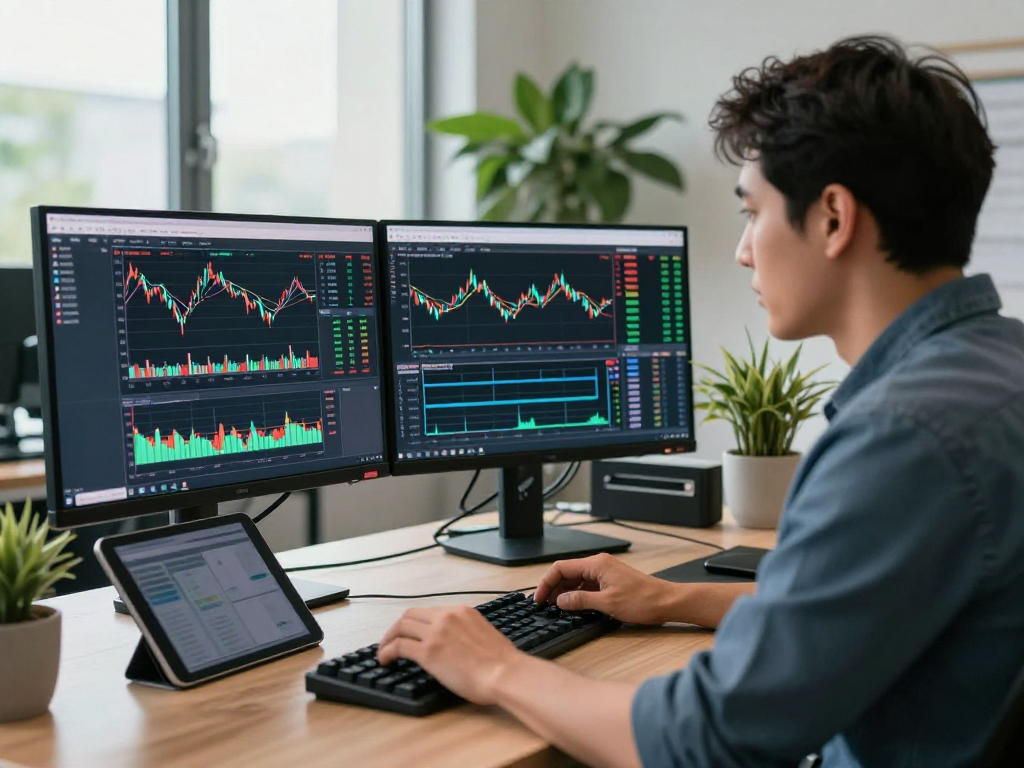
The charting tools available on TradingView are designed to enhance traders' capabilities significantly. Users can overlay technical indicators, draw trend lines, and set up alerts based on specific criteria. This integration of various tools within a singular interface streamlines the trading workflow, allowing for more efficient decision-making. Additionally, features like the multi-chart layout enable users to track multiple securities and time frames simultaneously, which is particularly beneficial for active traders.
Customizable Alerts: Reducing the Burden of Tracking
One of the most beneficial aspects of TradingView is its customizable alert system. Traders can set alerts based on price points, indicator values, or technical conditions, which are then communicated via email, SMS, or through the app. This feature not only reduces the need for constant monitoring but also empowers traders to focus on strategic decision-making rather than time-consuming price watching.
Comparative Analysis: TradingView vs. Competitors
While there are various trading platforms available, TradingView distinguishes itself through its robust feature set, community-driven content, and unparalleled charting capabilities. Below, we compare TradingView with its competitors to illustrate its unique advantages.
Unique Selling Points of TradingView
TradingView's user-friendly interface is complemented by its community features, where traders can share ideas, strategies, and insights. This network effect creates a dynamic environment conducive to learning and collaboration. Additionally, TradingView offers a free tier that provides access to essential features, making it accessible for beginner traders.
Market Response to TradingView's Features
The market response to TradingView's features has been overwhelmingly positive. Users appreciate the platform's accessibility and the breadth of analytical tools at their disposal. Furthermore, the constant updates and user-driven feature enhancements keep the platform relevant and effective for its user base.
Limitations Compared to Other Platforms
Despite its strengths, TradingView is not without limitations. Some users report that while the free version is robust, certain advanced features, such as extensive backtesting capabilities and high-frequency trading tools, are only available through paid plans. Additionally, some traders may prefer platforms that offer integrated brokerage services, which TradingView lacks.
Best Practices for Utilizing TradingView
To harness the full potential of TradingView, users should adopt best practices that optimize their experience and improve their trading outcomes. Here are a few recommendations:
Creating Effective Watchlists and Alerts
Building a watchlist is crucial for monitoring desired securities. Users should focus on relevant stocks or assets based on their trading strategies. Pairing this with custom alerts ensures that they are notified when specific price levels or technical indicators are triggered, allowing for timely trading decisions.
Utilizing Multi-Device Functionality
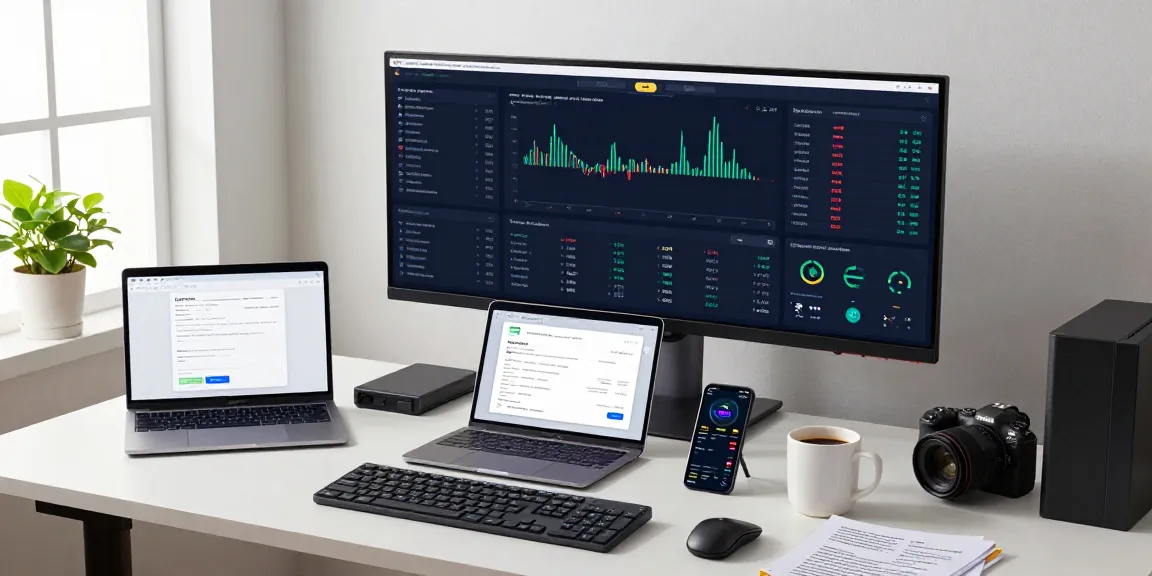
TradingView seamlessly integrates across devices, allowing users to access their charts and alerts on desktop, tablet, or mobile. This cross-device capability ensures that traders can analyze the markets and make decisions wherever they are, enhancing their responsiveness to market movements.
Integrating TradingView with Other Tools
Many traders benefit from integrating TradingView with other trading tools and platforms. For instance, they can use TradingView for analysis and then execute trades through a broker. APIs also allow for automated trading strategies that can enhance efficiency and potentially improve results.
Common Challenges and Misconceptions
As with any tool, there are challenges and misconceptions surrounding TradingView. It's important for users to be well-informed to maximize their usage of the platform effectively.
Do You Need the Desktop Version?
Many users wonder whether the desktop version is necessary. While most essential functions can be completed through the web interface, the desktop application offers advanced features such as multiple chart display options and enhanced processing speed for more intensive analysis. This makes it a valuable option for dedicated traders who require extensive functionality.
Understanding Pricing Plans: Free vs. Paid
TradingView offers several pricing plans, each with varying levels of access to features. The free version provides basic functionalities, which are suitable for beginners, while paid plans unlock advanced charting tools, additional data points, and higher alert limits. Traders should evaluate their needs and select a plan that balances functionality with cost.
Who Should Use TradingView?
TradingView is suitable for a wide range of users—from casual traders to professional analysts. Its diverse feature set caters to different trading styles and investment strategies, making it an inclusive platform for various levels of traders.
Looking Ahead: The Future of TradingView in 2026
As we look towards the future, TradingView is poised to continue evolving alongside the changing landscape of trading technology. Emerging trends and user feedback will shape its development, ensuring it remains a top choice for traders worldwide.
Emerging Trends in Trading Platforms
The landscape of trading platforms is rapidly changing. Increased AI integration, enhanced analytical tools, and greater emphasis on user experience are just a few trends that are likely to influence the future of TradingView. As these technologies become more prevalent, TradingView is expected to incorporate them to enhance its functionality further.
Forecasting TradingView's Enhancements
Looking ahead, users can anticipate enhanced features such as improved data analytics capabilities, greater customization options, and an expanded library of user-generated indicators. As the community continues to contribute to the platform, the potential for innovation is significant, providing users with even more robust tools for trade analysis.
Community Insights and User Feedback
TradingView's responsive development team actively engages with users to gather insights and feedback. This engagement helps the platform to align its updates with user needs and preferences, fostering a sense of community that drives satisfaction and loyalty.
What Are the Most Frequently Asked Questions About TradingView?
Users often have questions about TradingView’s capabilities. Common inquiries include how to utilize alerts effectively, the differences between various pricing plans, and best practices for technical analysis. These FAQs can serve as valuable resources for new and existing users alike.
How Can TradingView Improve My Trading Strategies?
By fully utilizing TradingView’s features, traders can enhance their strategies through precise market analysis, real-time alerts, and access to a wealth of community-generated insights. Experimenting with different tools and configurations can help traders find approaches that work best for their individual styles.
What Are the Best Resources for Learning TradingView?
TradingView offers extensive educational resources, including tutorials, webinars, and community forums. These resources can help users build confidence in their trading abilities and leverage the platform to its fullest potential.
How to Stay Updated with TradingView Features?
Staying current with TradingView's updates is essential for any active user. Following TradingView on social media, subscribing to its newsletters, and participating in community discussions are effective ways to ensure you are always informed about new features and enhancements.
Which Devices Are Best for Running TradingView?
TradingView is designed to run smoothly on most devices, including desktops, tablets, and smartphones. However, users looking for the best experience—especially when conducting extensive charting and analysis—should consider using a desktop or laptop with a larger screen for a more comfortable viewing experience.
Is TradingView Suitable for Beginners?
Absolutely. TradingView's intuitive interface and wealth of educational resources make it a great starting point for beginners. New users can take advantage of the free version to familiarize themselves with the platform’s capabilities before upgrading to a paid plan as their trading needs grow.